Undo Graph
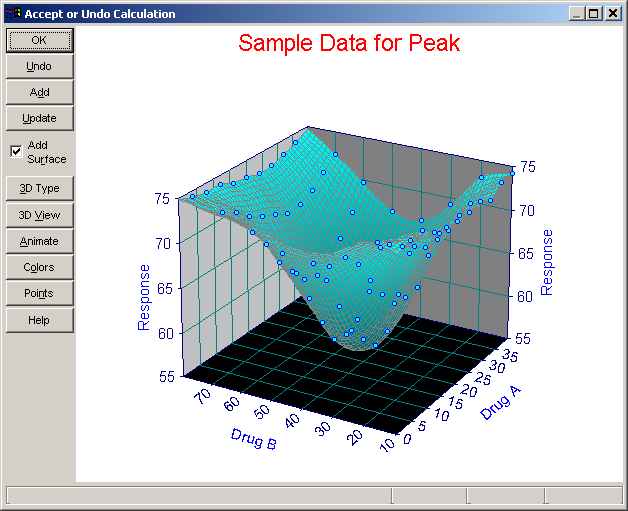
The Undo Graph operation displays a graph reflecting the changes made by applying a Calculation. You will have an opportunity to inspect the modified data and to either accept or undo the changes.
Options
The Data Graph options include adjusting the 3D Graph Type, 3D View Options, Animating the graph at a succession of view angles, modifying the Graph Colors and selecting a Graph Point Format.
Undo
If you choose the Undo operation, the original data will be restored. Simply choose OK to accept the modifications.
Add
 Use the Add option to accept the modifications and add a data item reflecting the calculation to the current notebook.
Update
If the currently selected item in the notebook is a calculation, the Update option can be used to revise the existing calculation.