Apply to Data Table
The Apply to Data Table option in the Calculate menu creates a calculation object for the current XYZ data object. When a calculation object is selected, the transform is applied to the parent data set, creating a transformed XYZ data object.
The transform follows a specific sequence. The X-calculation, if present, is first applied to the full data table. Then the Y-calculation, if present, is applied to the full table. The Z-calculation, if present, then follows. Finally the weight calculation is applied, if present, again to the full table. If you have an X calculation that references Y and a Y calculation that references X, note that the X calculation will use the original Y and the Y calculation will use the modified X.
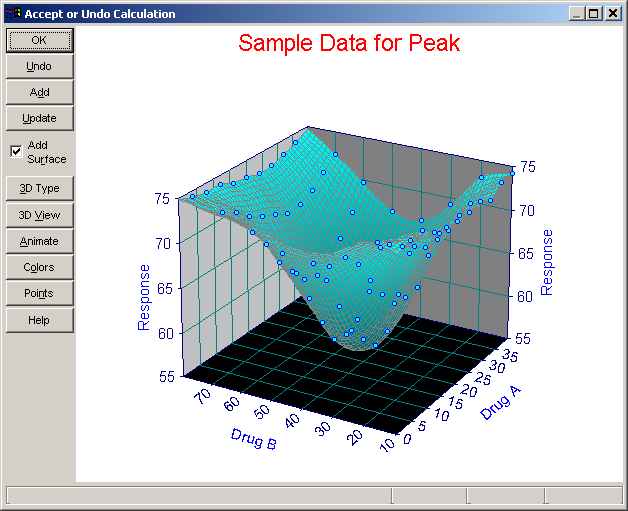
Undo
After the calculation is applied, you are presented with an Undo graph. An Undo graph will offer the means to modify the 3D Graph Type, 3D Graph View, Point Format, Graph Color Scheme or to Animate the 3D graph. You may choose to undo the calculation if you are not satisfied with the results or if you wish to experiment with different calculations.